> For the complete documentation index, see [llms.txt](https://help.fluorescent.co/llms.txt). Markdown versions of documentation pages are available by appending `.md` to page URLs; this page is available as [Markdown](https://help.fluorescent.co/stiletto/pages/footer/language-and-currency.md).
# Language and currency
### Language selector
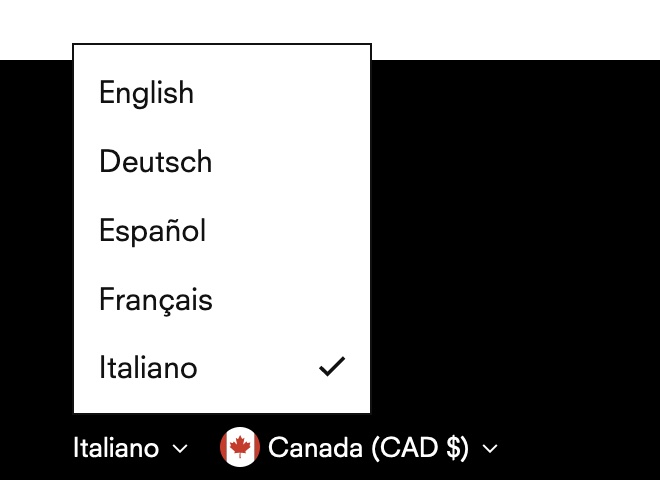
Stiletto supports selling in multiple languages. After you have [added and published languages](https://help.shopify.com/en/manual/markets/languages/translate) to your store, enable the **Language selector** to let customers select their preferred language.
Stiletto comes with theme translations for default theme text in 4 languages: **French**, **German, Italian**, and **Spanish**.
{% hint style="info" %}
See our [Selling in multiple languages](/stiletto/general/adapting-your-theme/multiple-languages.md) guide to learn more. You can **add multiple languages** in your Shopify admin and use a translation app to **translate your store content**.
{% endhint %}
 ### Country selector
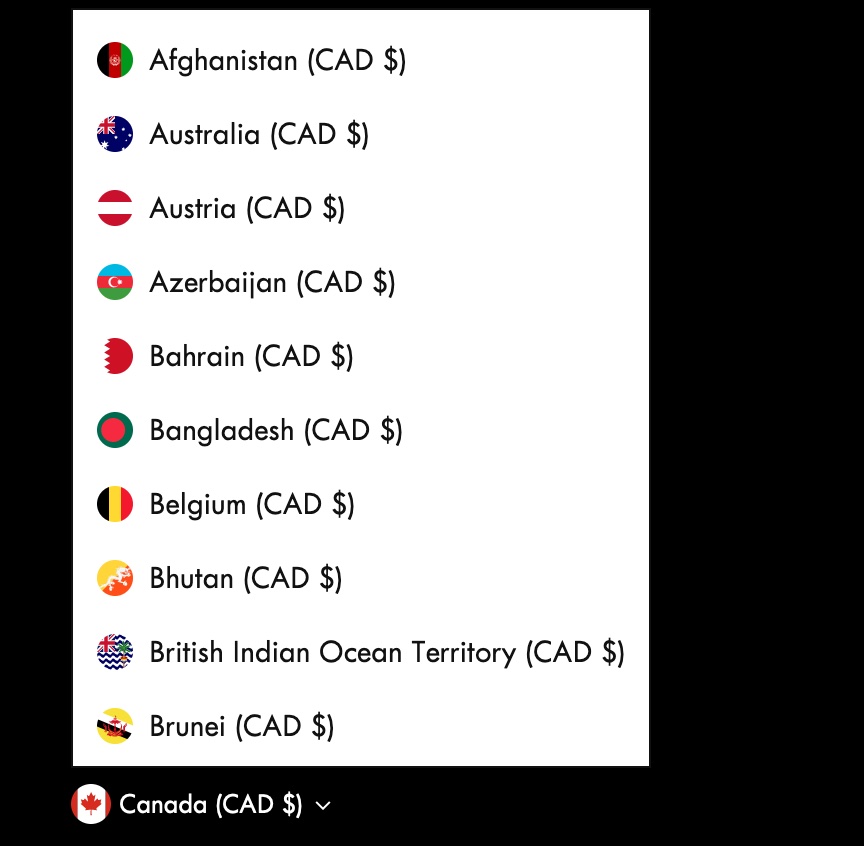
Enable the **Country selector** to let customers to view your products with their preferred currency. The selector displays countries with their currencies supported in your [Shopify Market settings](https://www.shopify.com/admin/settings/markets).
{% hint style="success" %}
See Shopify's [Sell in multiple currencies with Shopify Payments](https://help.shopify.com/en/manual/payments/shopify-payments/multi-currency) guide to learn how to add multiple currencies.
{% endhint %}
### Country selector
Enable the **Country selector** to let customers to view your products with their preferred currency. The selector displays countries with their currencies supported in your [Shopify Market settings](https://www.shopify.com/admin/settings/markets).
{% hint style="success" %}
See Shopify's [Sell in multiple currencies with Shopify Payments](https://help.shopify.com/en/manual/payments/shopify-payments/multi-currency) guide to learn how to add multiple currencies.
{% endhint %}